


Terminal
Full SSH sessions, multi-hop tunneling, SFTP and SMB browsing — with 16 terminal themes so it feels like yours.
iPhone, iPad & Mac · iOS 17+ · Free to start · Pro $69.99 / year · No account · No telemetry by default
A real terminal
A full terminal, not a feature checkbox
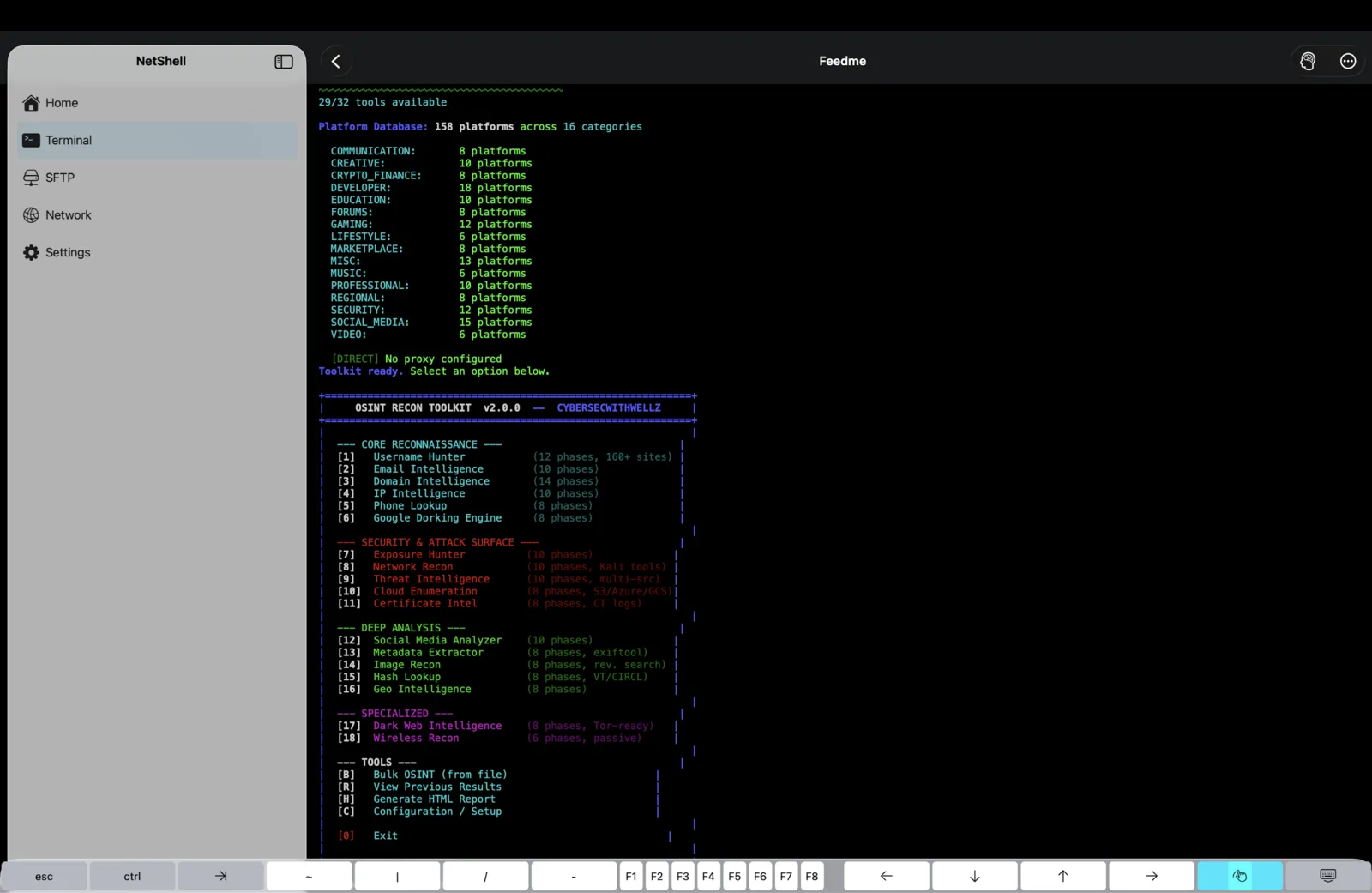
ANSI colours, the special-keys row you actually need, and multiple live sessions at once. It behaves like the terminal on your desk, because anything less just wastes your time when something is on fire.
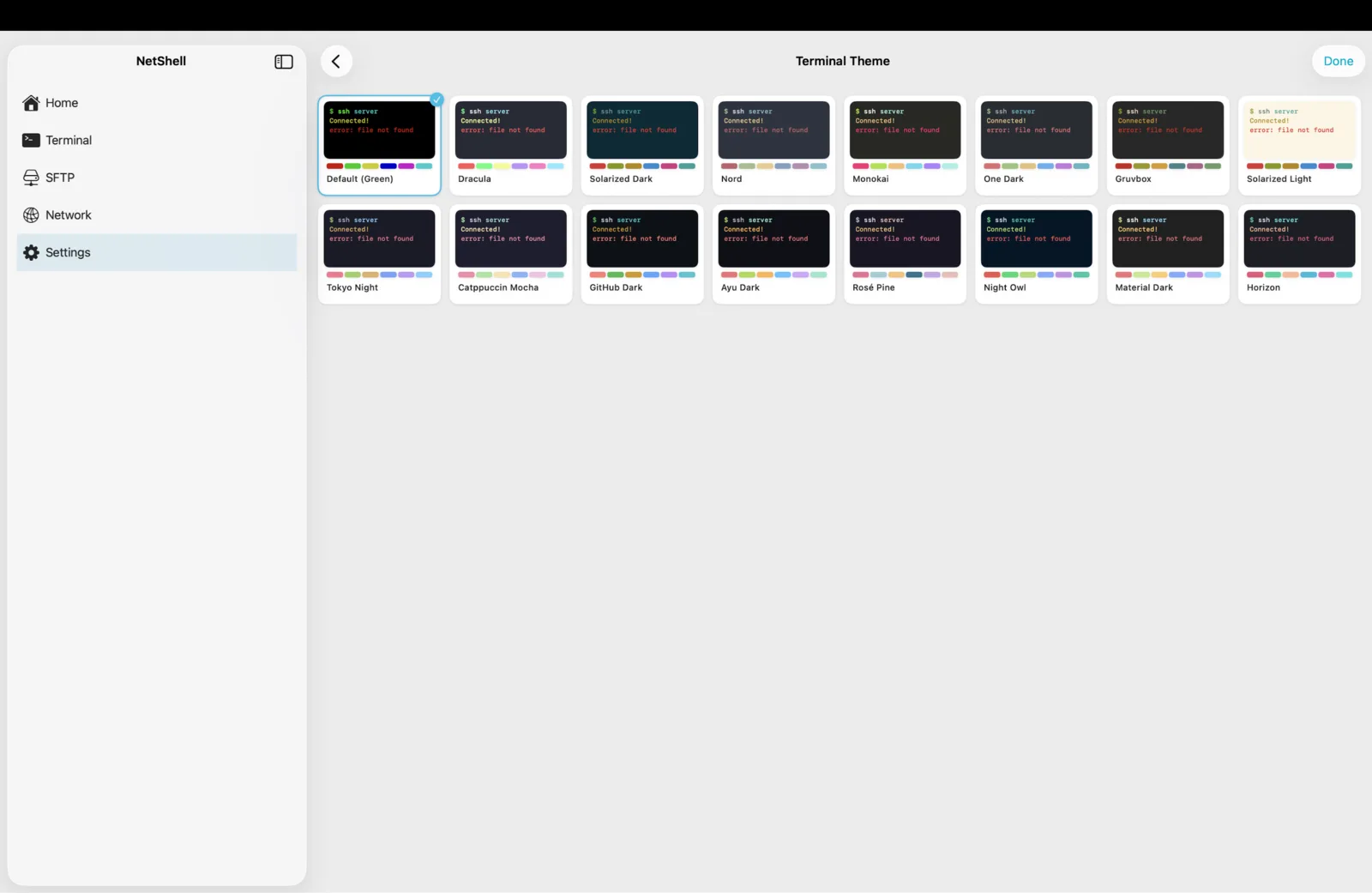
16 themes
Make it feel like yours
Dracula, Nord, Tokyo Night and thirteen more, built in. Match your desktop setup, or just pick the one that is easy on your eyes at 1am during an incident.
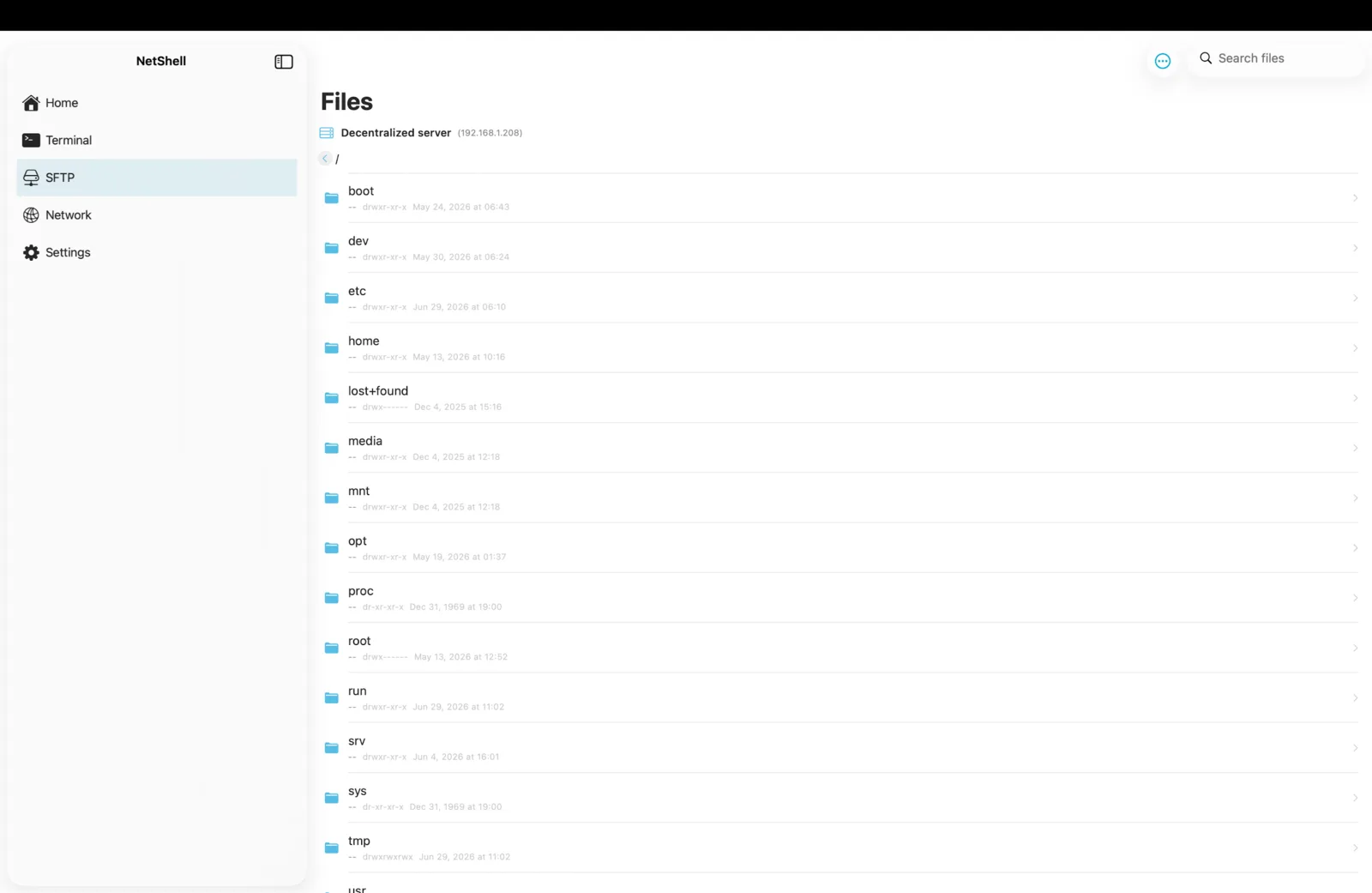
Files over SSH
Move files without dropping the shell
A full SFTP browser with permissions and timestamps lives right next to your session. Pull a log, push a config, fix a permission bit — no second app, no context switch.
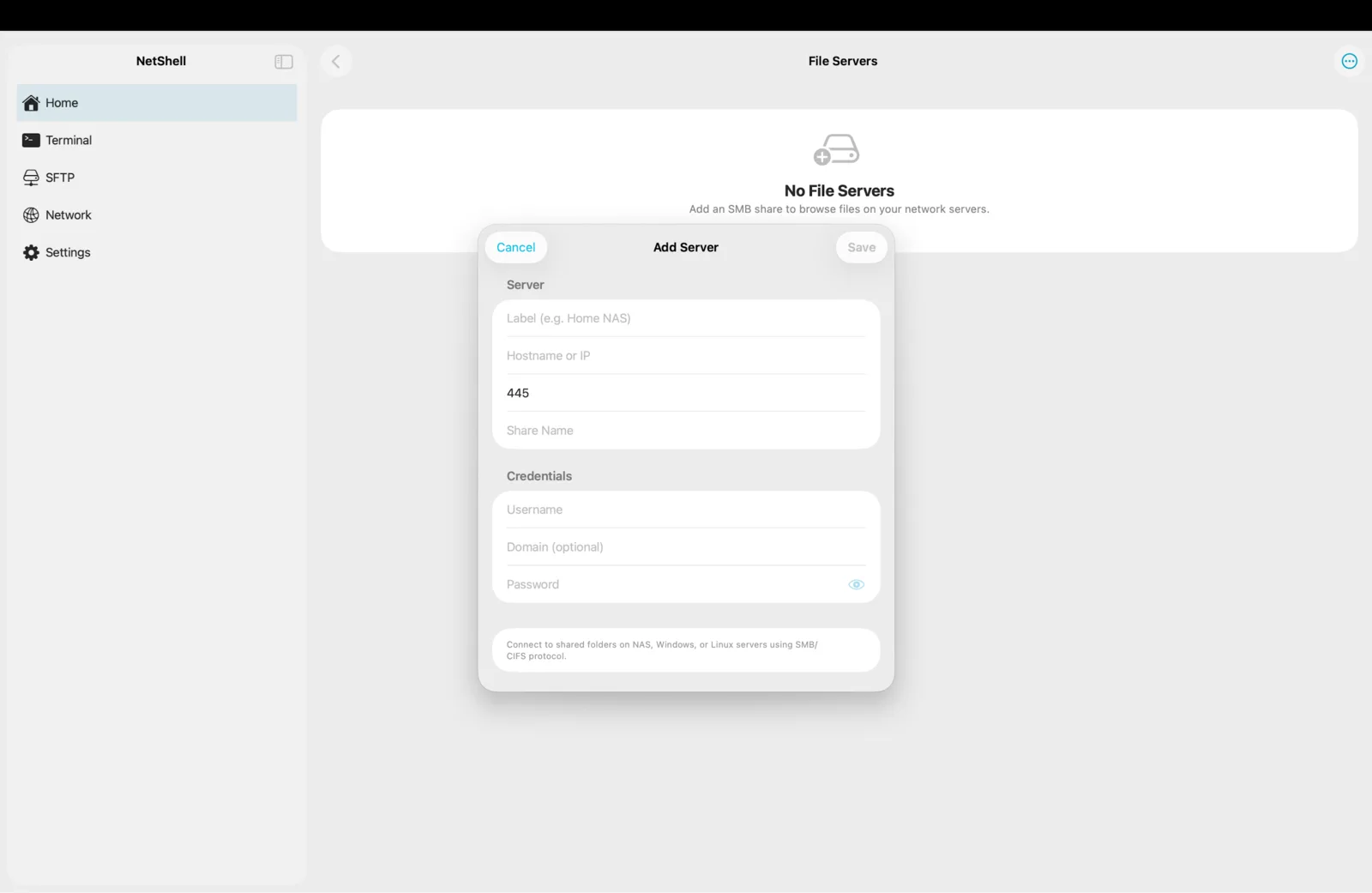
SMB shares
Mount the NAS too
Add an SMB or CIFS share and browse your NAS, Windows or Linux folders from the same app you run your servers in.
Multi-hop
Reach the box that only answers from inside
Chain jump hosts to tunnel through a bastion into a private network. Every hop is its own verified, encrypted SSH connection — and you can drag to reorder the chain.
Everything in Terminal
- Full SSH terminal with multiple sessions
- Multi-hop tunneling — chain jump hosts to reach any server
- SFTP browser to manage files over SSH
- SMB file shares for your NAS and servers
- 16 terminal themes, your colors and vibe
What it costs
Start free.
Most SSH clients spread this exact feature set across tiers and tie your vault to their account. NetShell is Start free with one SSH server. NetShell Pro is $6.99 / month or $69.99 / year and covers iPhone, iPad & Mac. — every feature in one Pro plan, no tier above it, and your private keys never leave your own devices.